How to Stream in 4 Steps
Get your stream up and running in under a minute. Follow the steps below — no account, no setup, no hassle.
Visit eyecam.live
Open eyecam.live from the device you want to stream from — your phone, tablet, or laptop.
Mobile Desktop Any browser
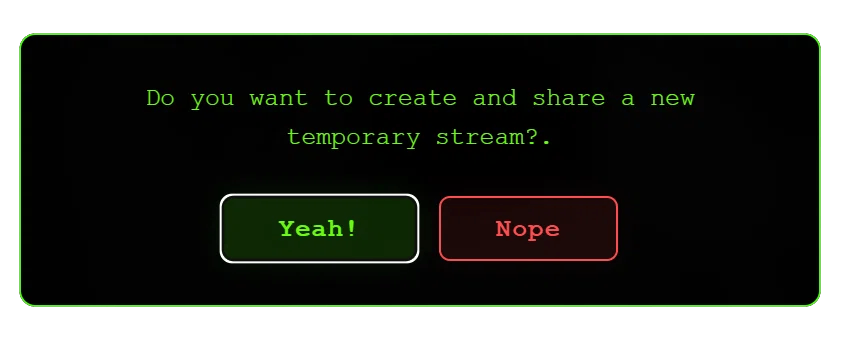
Select "Yeah!"
A dialog will appear asking if you want to create a new temporary stream. Tap "Yeah!" to proceed.
Touch the Eye
Tap or click the Eye icon on the screen to begin the streaming setup.
Tap Click One touch
Allow Camera Access
Grant the browser permission to access your camera (or screen if you choose to share your display).
Camera Screen Share Microphone optional
View Your Stream Anywhere
From any mobile or desktop device, open eyecam.live and enter the pincode provided into the field.
Feel free to request full functionality! ilya.likhitchenko@outlook.com
Mobile Desktop Tablet Anywhere